How to Join If You Review as a Vendor

Learn how to join If You Review as a vendor with this step-by-step guide. Discover how to register your business, connect Stripe, list products, and start selling to our community of Super Reviewers.

Share this article: 

Joining If You Review as a vendor is quick and straightforward.


Once approved, you’ll be able to list your products in front of our exclusive community of highly engaged shoppers and experienced reviewers.


Follow the steps below to get started.

Step 1: Register Your Business

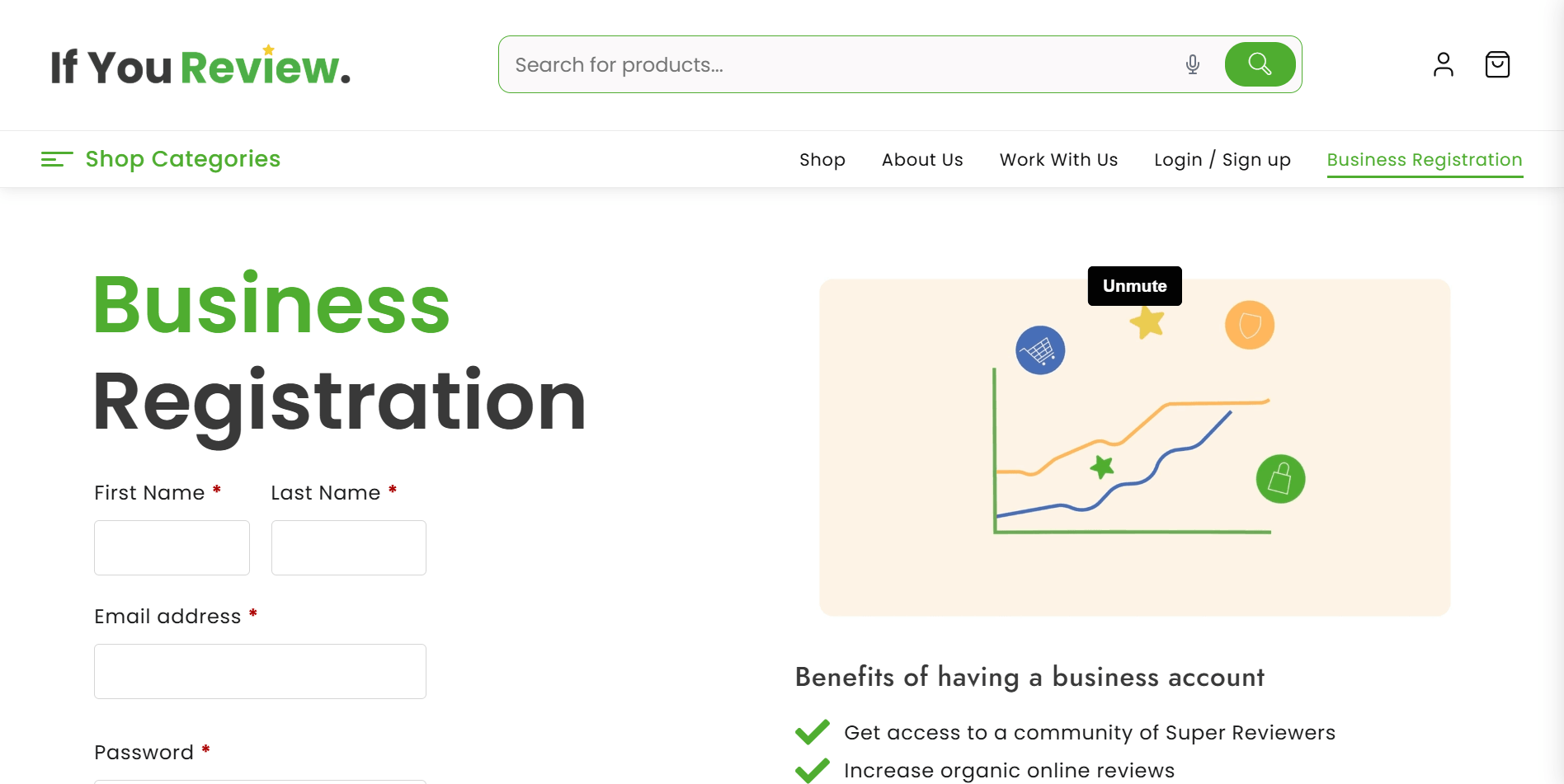
Start by visiting the vendor registration page and completing the registration form.


You’ll be asked to enter your Shop Name, which is the name customers will see displayed across the platform.


We recommend using your business or brand name to help build trust and recognition with shoppers.


You’ll also need to choose a Shop URL. In most cases, we recommend using the automatically generated URL to keep your store link clean and simple.


You’ll then be asked to enter your Website URL. This allows customers to see who they are purchasing from and helps us verify your business during the approval process.


Once submitted, your vendor account will be created and you’ll gain access to your dashboard.

Step 2: Access Your Vendor Dashboard

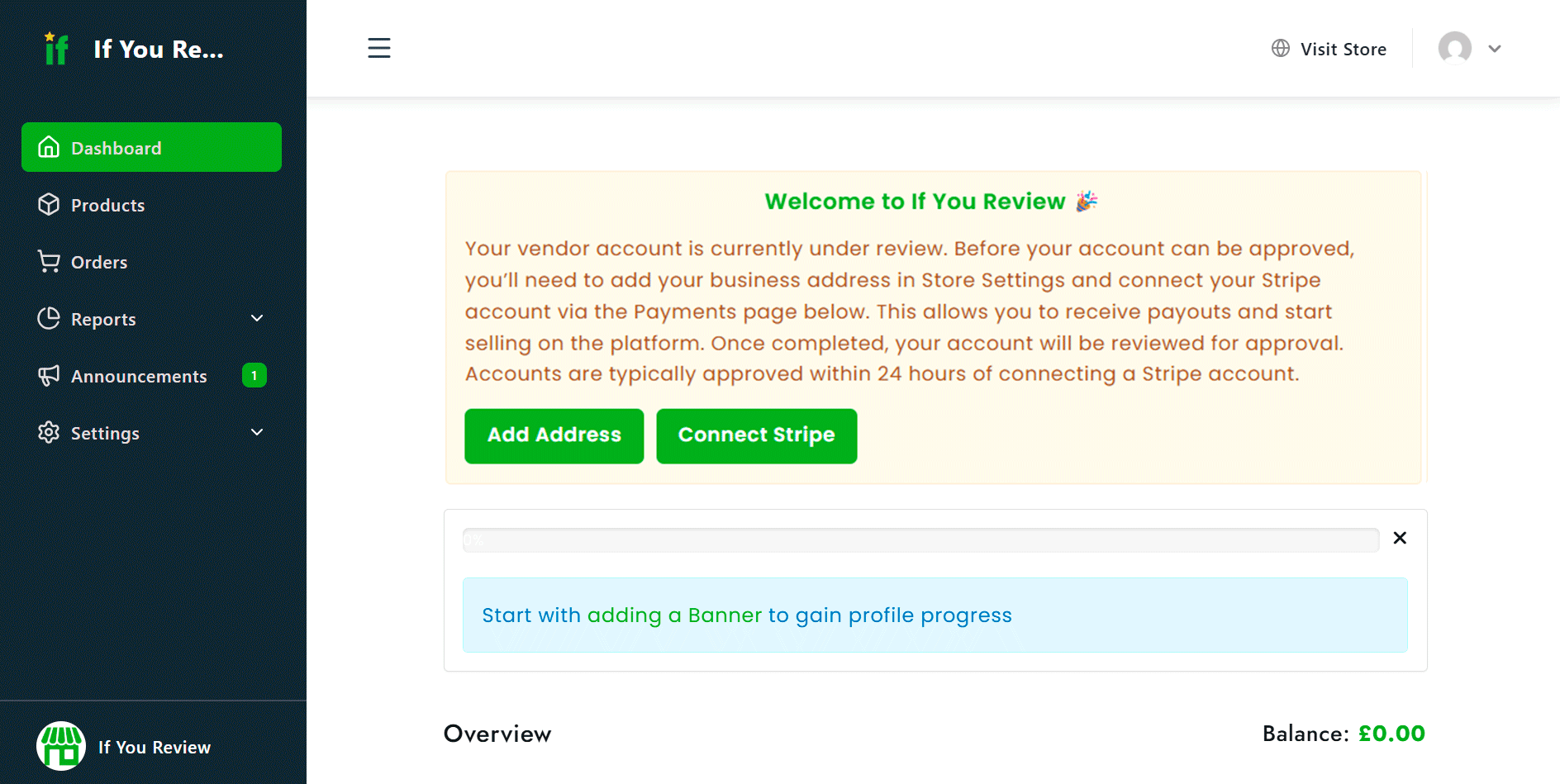
After registering, you’ll be taken to your vendor dashboard.


At this stage, you will not yet be able to list products.


Before your account can be approved, there are a few important setup steps that must be completed.

Step 3: Complete Your Store Settings

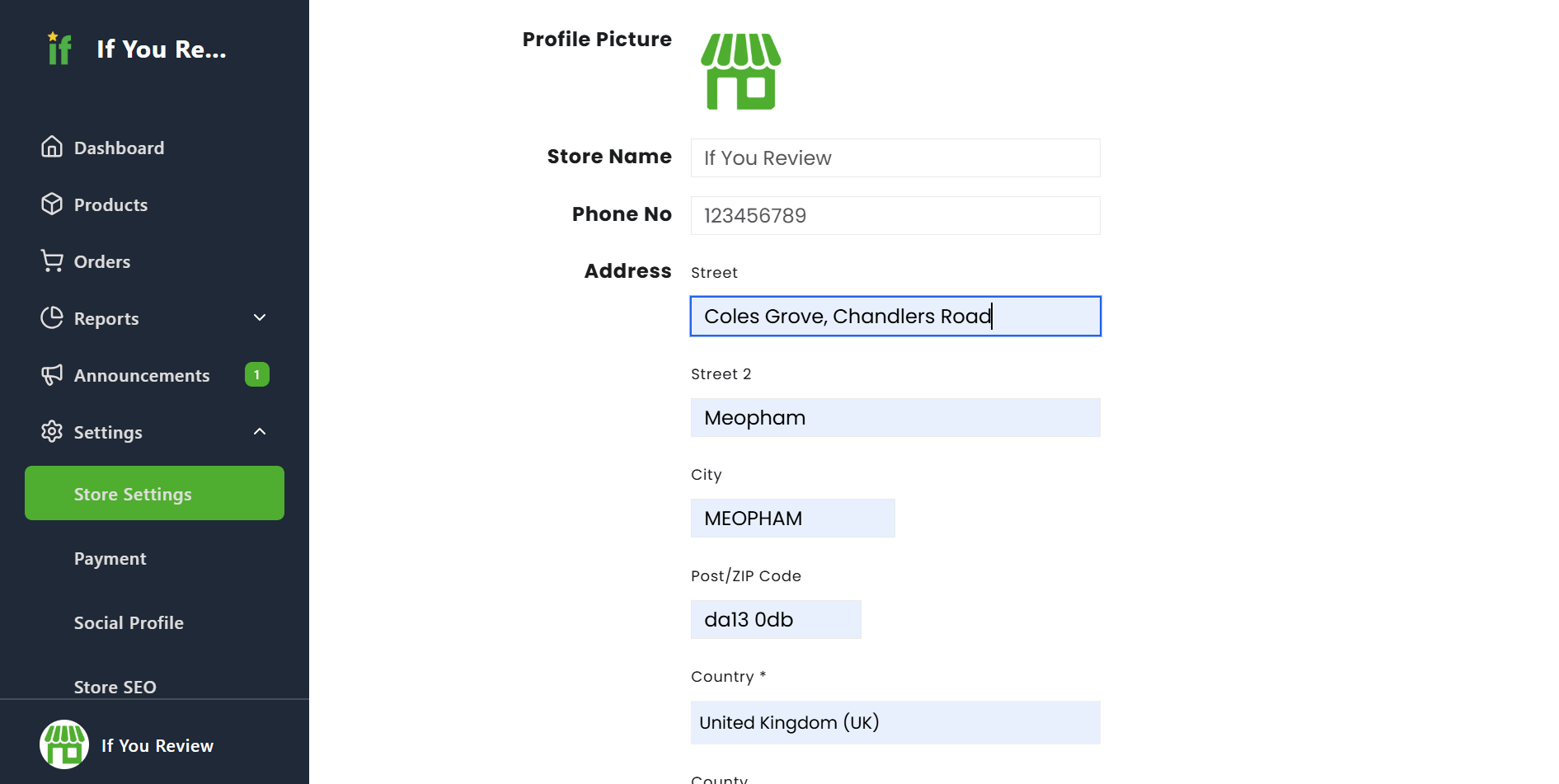
Navigate to your Store Settings and add your business address and store information. 


This helps us verify your business and maintain the quality and trust of the marketplace for both sellers and customers.


While your account is being reviewed, we also recommend:


  • Uploading a profile image
  • Adding a store banner
  • Adding your business address
  • Completing your vendor profile

A complete profile helps build credibility and gives customers more confidence when purchasing from your store.

Step 4: Connect Your Stripe Account

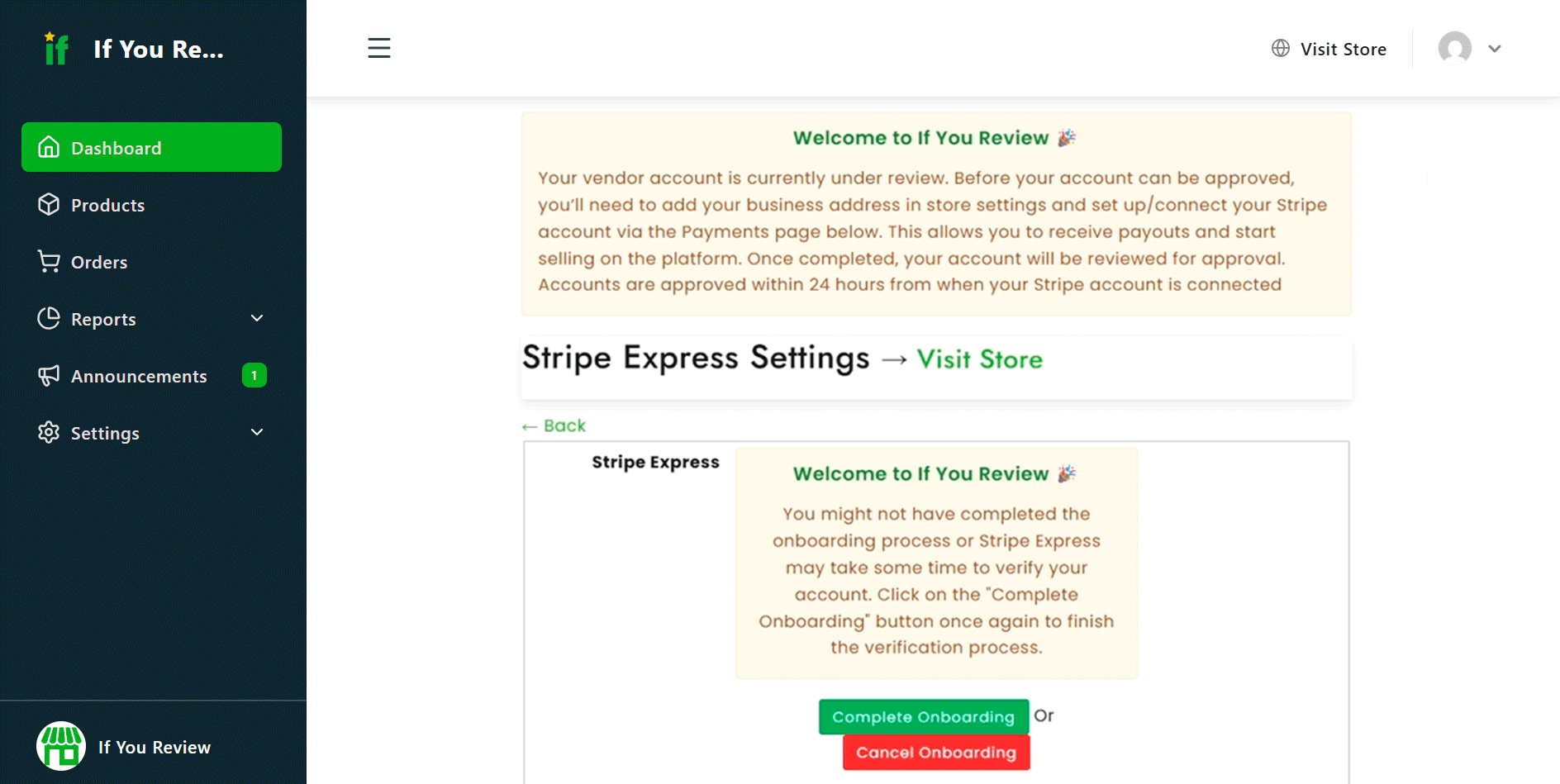
To receive payments, you’ll need to connect your Stripe account. 


When you begin the setup process, you’ll be redirected to Stripe’s secure onboarding page to either connect an existing account or create a new one.


Stripe is used to securely process payments and distribute funds from your sales directly to you. 


Once your Stripe account has been successfully connected, your vendor account will be submitted for review.


Most vendor applications are reviewed within 24 hours.

Step 5: Wait for Approval

Our team manually reviews every vendor application to help maintain the quality and integrity of the platform. 


Once approved, you’ll unlock full access to your dashboard and be able to start listing products on the marketplace.

Step 6: Add Your Products

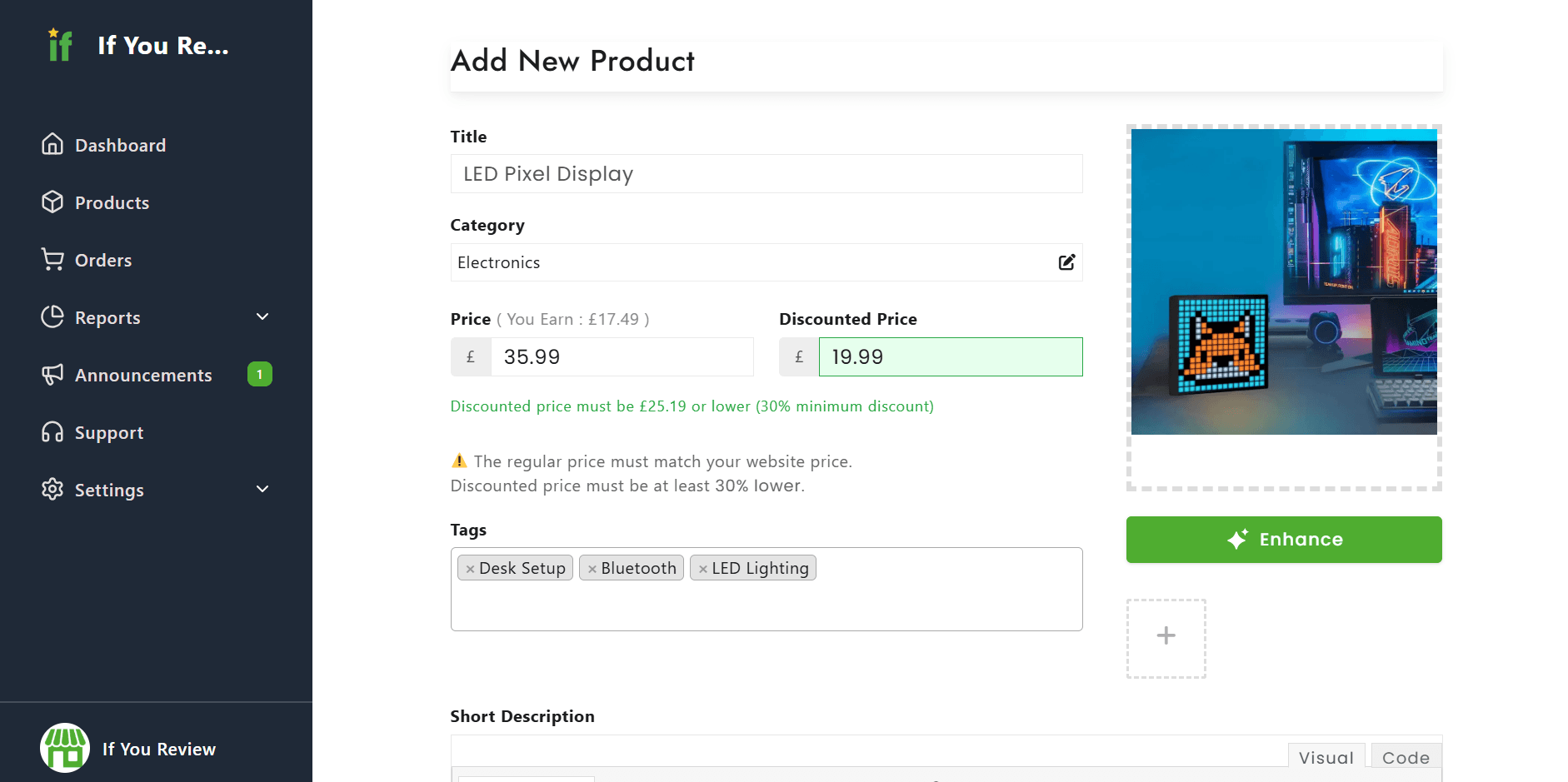
To create your first listing, navigate to Products and click Add Product.

You’ll then be able to:

  • Add your product name
  • Upload product images
  • Add a short description
  • Add a full product description

When setting your pricing, the regular price should reflect the lowest price the product can currently be purchased for on your own website, including shipping costs.

The discounted price is the price the item will be sold for on If You Review and must be at least 30% lower than your regular selling price. 

To protect the integrity of the platform, artificially inflating prices or using misleading pricing may result in your account being suspended or permanently banned.

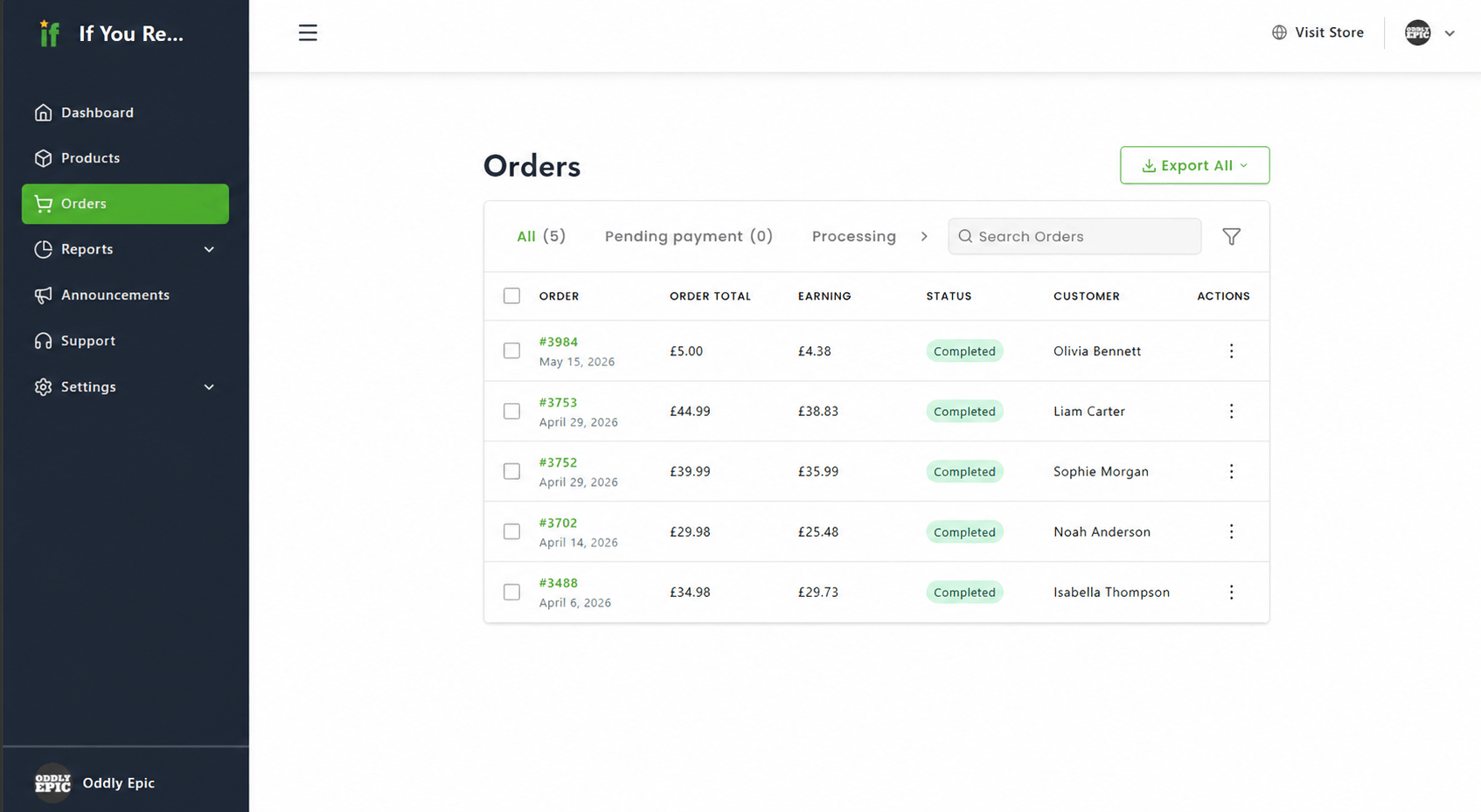
Step 7: Process Orders Through Your Own Store

Once you begin making sales, we recommend processing orders through your own website just as you would with any normal customer order. 

This allows you to continue using your existing fulfilment, customer communication, survey, and feedback request systems as normal. 

Because If You Review members already have a strong history of engaging with brands and responding to feedback requests, businesses are often more likely to see increased organic feedback, survey responses, and customer engagement compared to selling to standard online shoppers.

Welcome to If You Review

By joining If You Review, you’re not just listing products on another marketplace — you’re gaining access to a curated community of highly engaged shoppers designed to help brands grow their visibility, reputation, and customer engagement through authentic customer interactions. 


Haven’t created your profile yet? Join If You Review today and start growing your business. 

Hungry for more?

Keep reading

What Is a Super Reviewer?

Discover what makes a Super Reviewer and why highly engaged reviewers play a vital role in helping businesses improve, building trust online, and shaping better shopping experiences.


Read More
Login
Sign Up

Login

Register


🔐 Account Verification Required
To maintain a high-quality community, we only accept experienced reviewers.
Please upload a screenshot showing your Trustpilot while logged in with your review count visible (30 or more).
Or please upload a screenshot showing your Google account while logged in with your Local Guide Level visible (level 5 or higher).

Your personal data will be used to process your order, support your experience throughout this website, and for other purposes described in our privacy policy.

Your Cart

Your Cart is Empty

Start Shopping
Continue Shopping
Payment Details
Sub Total £0.00